Leave your device in place.
Just step away.
At a café, library, or other public space, turn on anti-theft protection before you step away from your seat. Stealward protects your Mac, iPad, or iPhone and monitors the belongings around it. If something looks wrong, you get an alert on the device you carry and can open an encrypted, low-latency live view.
Made for public spaces like cafés, libraries, and airport lounges. Works with Mac, iPad, and iPhone on macOS, iPadOS, and iOS 26 or later. No extra hardware.
You shouldn't have to choose between losing your seat and losing your device.
Stealward gives you another option. Start protection on the device you leave in place to protect the device itself and monitor your bag and the area around it. Then step away with a little more peace of mind.
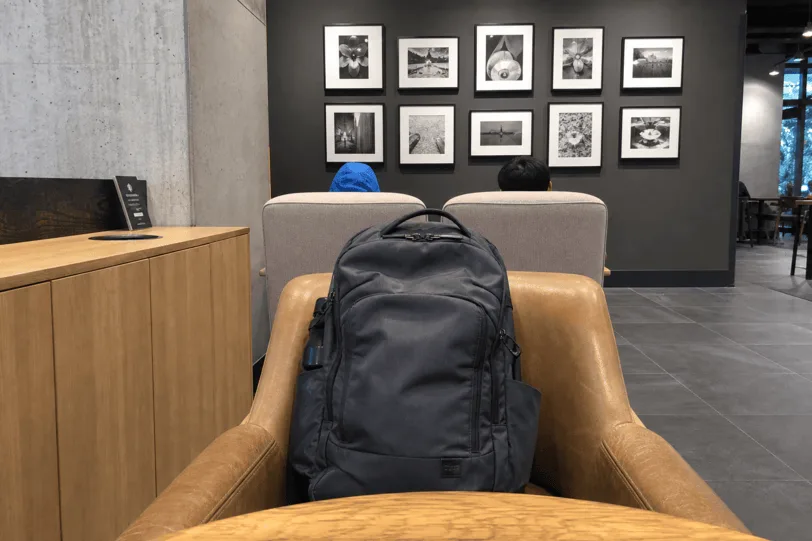
You get up to refill your water. Your MacBook stays on the table while Stealward protects it and monitors the backpack beside it.
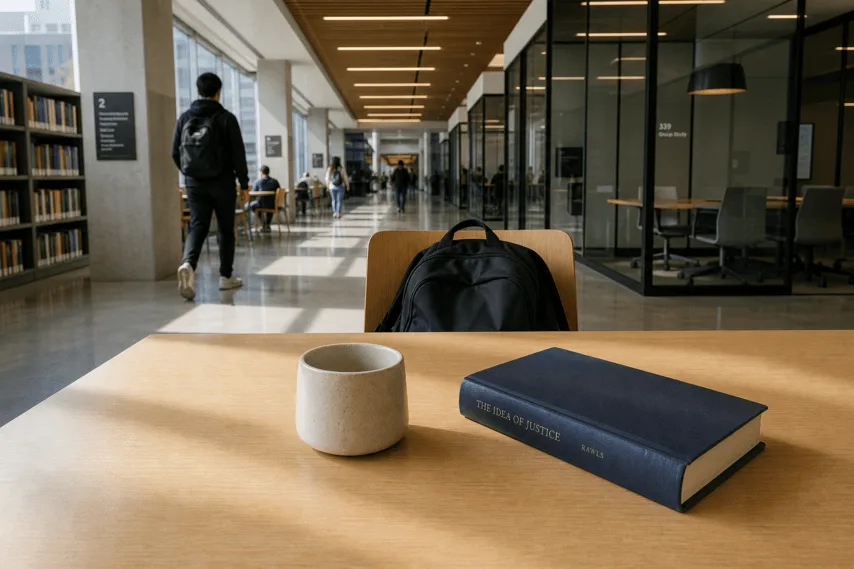
You step outside to take a call. Your iPad stays at your seat while Stealward monitors your book, bag, and drink.
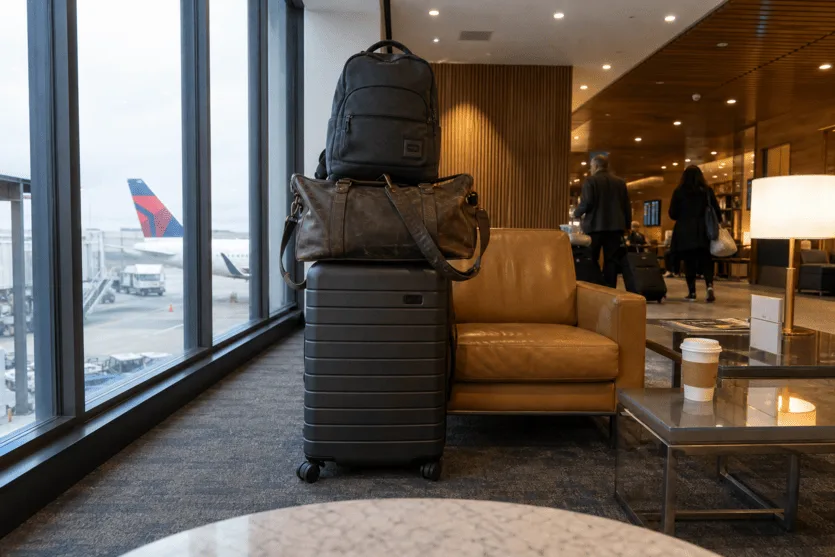
You have too much luggage to take to the restroom. Leave it beside your chair and use your iPad to monitor every bag.
How it works
Three steps, start to finish.
Position it, start protection, step away
Position the device so its camera can see what you are leaving, then start protection. The camera, sensors, and AI Watchdog protect the device itself and monitor the belongings beside it.
Stay informed and receive alerts
A Live Activity keeps the session's pulse on your Lock Screen, and the moment something's off you're alerted on the device you carry.
Review and rewind
Scrub back through everything that happened, whether the session is still live or already ended. Replay any moment or save it for later.
What it does
Several forms of protection, working together.
Watch live, wherever you are.
Open the live view on any device, or pin it as picture-in-picture and keep working while it floats in the corner.
The live view is end-to-end encrypted and opens in under a second on a good connection. Our servers only see encrypted data, so you do not have to choose between speed and privacy.
AI alerts that explain what changed.
While a session is live, an AI watches the camera frames for trouble around your belongings and alerts in plain words. "A hand reached toward your bag." "Your Starbucks coffee is missing."
Sensors detect tampering, too.
Motion, power, and network sensors catch a bump, a lift, a pulled cable, a dropped connection. If the device goes dark entirely, you know within seconds.
Locked to everyone else. Loud if provoked.
While protection is active, no one else can use the device.*The screen stays on a quiet cover, not your apps or files.
Tamper with it anyway and Stealward can blast loud music to turn heads, while alerting you on the device you carry.
*On Mac, Stealward does its best to prevent anyone else from using the device and keep protection running, even if someone closes the lid. On iPhone and iPad, follow the in-app steps to turn on Guided Access for the strongest protection.
When something's wrong
You'll know right away.
The moment something's off, you're notified on the device you carry, both as a notification and a live activity that keeps the session's pulse on your Lock Screen.
On a good connection, tap any alert to open the private, end-to-end encrypted live view in under a second.*
Illustrative.*On a good connection.
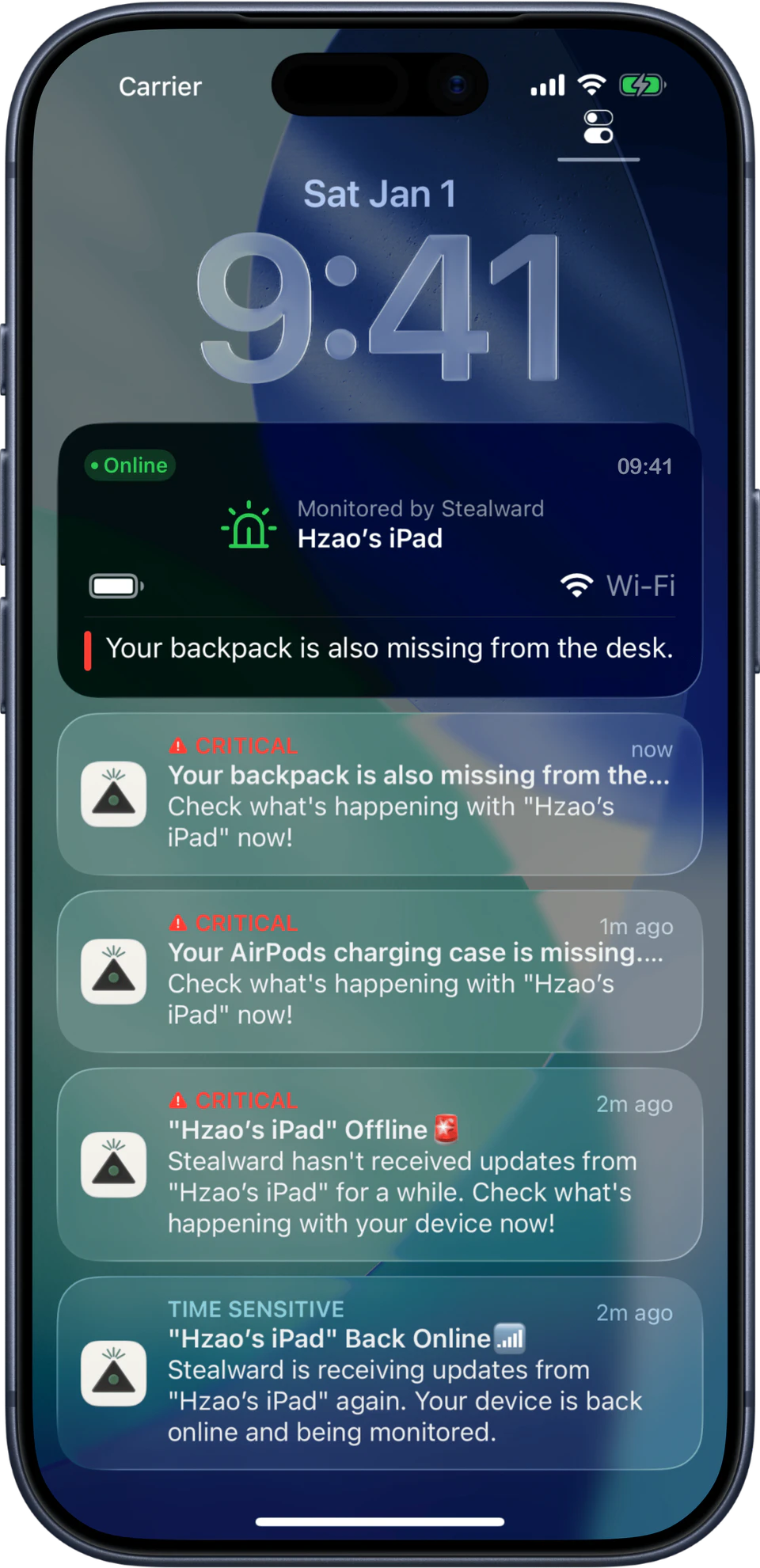
Every session, on the record
A log of exactly what happened.
On the roadmap
More on the way.
Forgot to turn on protection? Do it from your phone.
Walked off and left your Mac unprotected? Use another device to turn on protection or start a session without going back.
Just close the lid.
Time to leave the café but your AI agents are still running? When Claude Code or Codex is at work, Stealward notices on its own, and the moment you close the lid it starts a session that keeps your Mac awake. When the work finishes, it ends the session and lets the Mac sleep again. Just close the lid and check the status from your phone.
Coming-soon features are in active development and subject to change.
Privacy
Private by design, from setup on.
Stealward puts privacy first at every layer, starting before you turn on protection.
You have an account, but it isn't tied to your email, phone number, or name. There's little to collect, and less to breach.
Recorded video, audio, and thumbnails are end-to-end encrypted.*Only your devices can open them. Stealward and our cloud providers cannot.
*To spot threats, AI Watchdog sends still frames to our model provider while a session is live. That provider runs with zero data retention and never trains on images from Stealward. You can also choose to opt in to share frames with us, to help improve detection. Read the full Privacy Policy.
Step away with a little
more peace of mind.
No extra hardware. Start protection on the device you leave in place and keep the other with you.